MD Viewer OCR Translate Word Reminder Focus One Thing Web Clipper Highlight & Note Dual Subtitle FloatPiP FloatScroll






Vocabulary in the languages you choose

Learn a word while you browse.

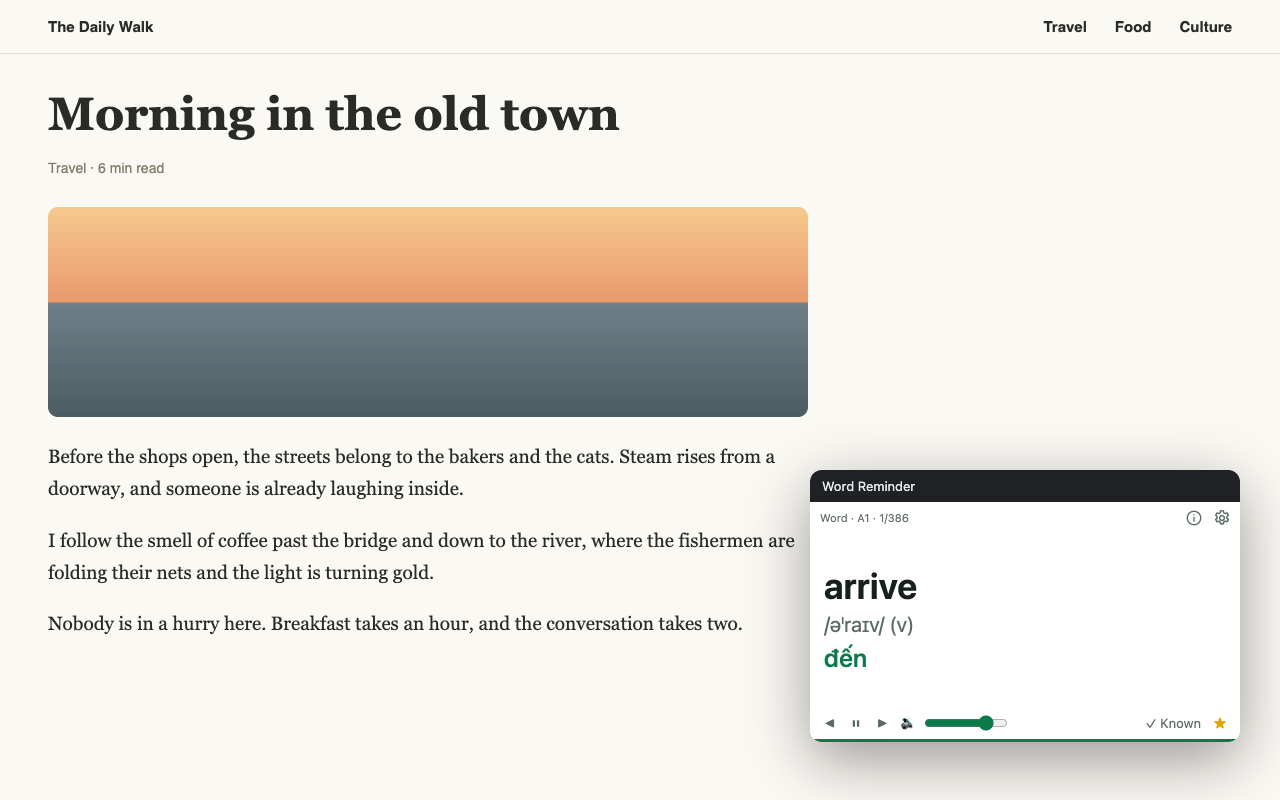
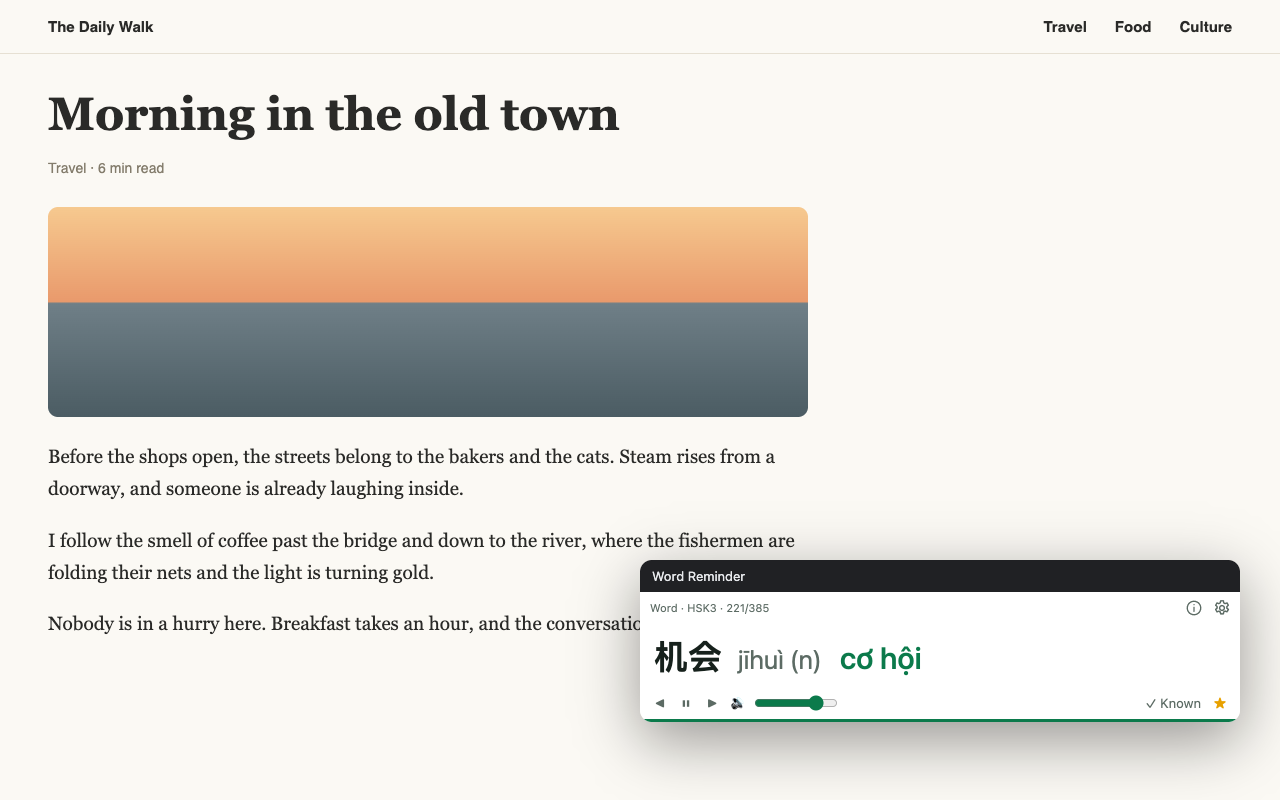
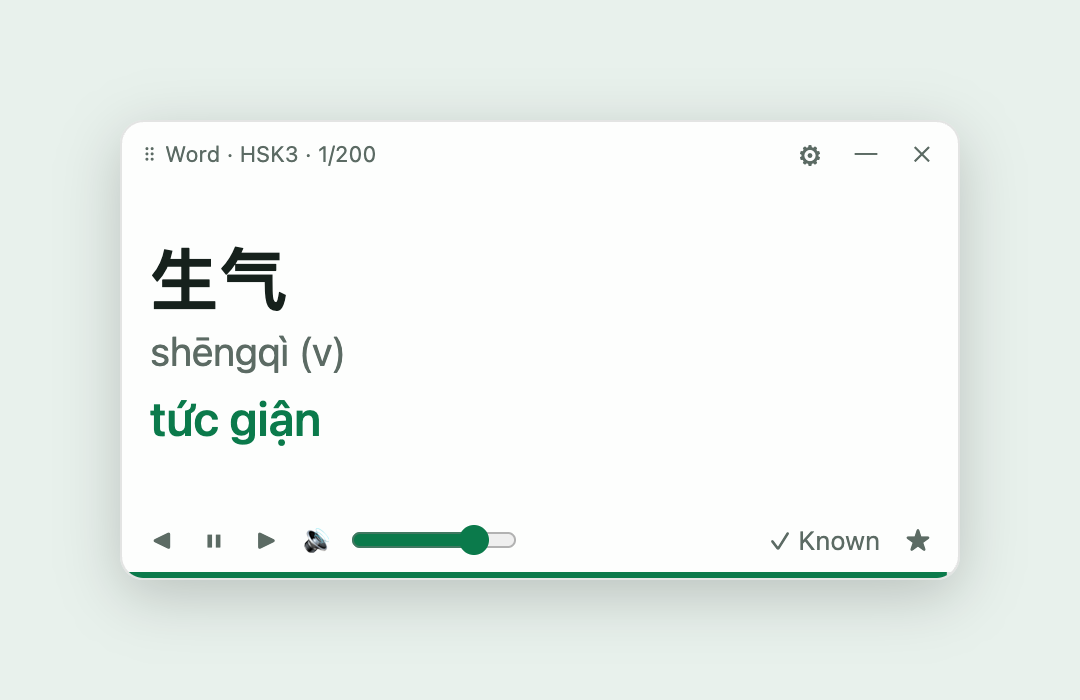
A small card shows one word or sentence at a time and reads it aloud, in one or several languages.

example.com
Word Reminder

Everything you need.

Nothing you don’t.

Many languages

Learn up to 12 at the same time, with meanings in the language you speak.

Lists from open sources

English words by CEFR level, Chinese words with pinyin, essentials and everyday sentences. Coverage differs by language.

Your own words

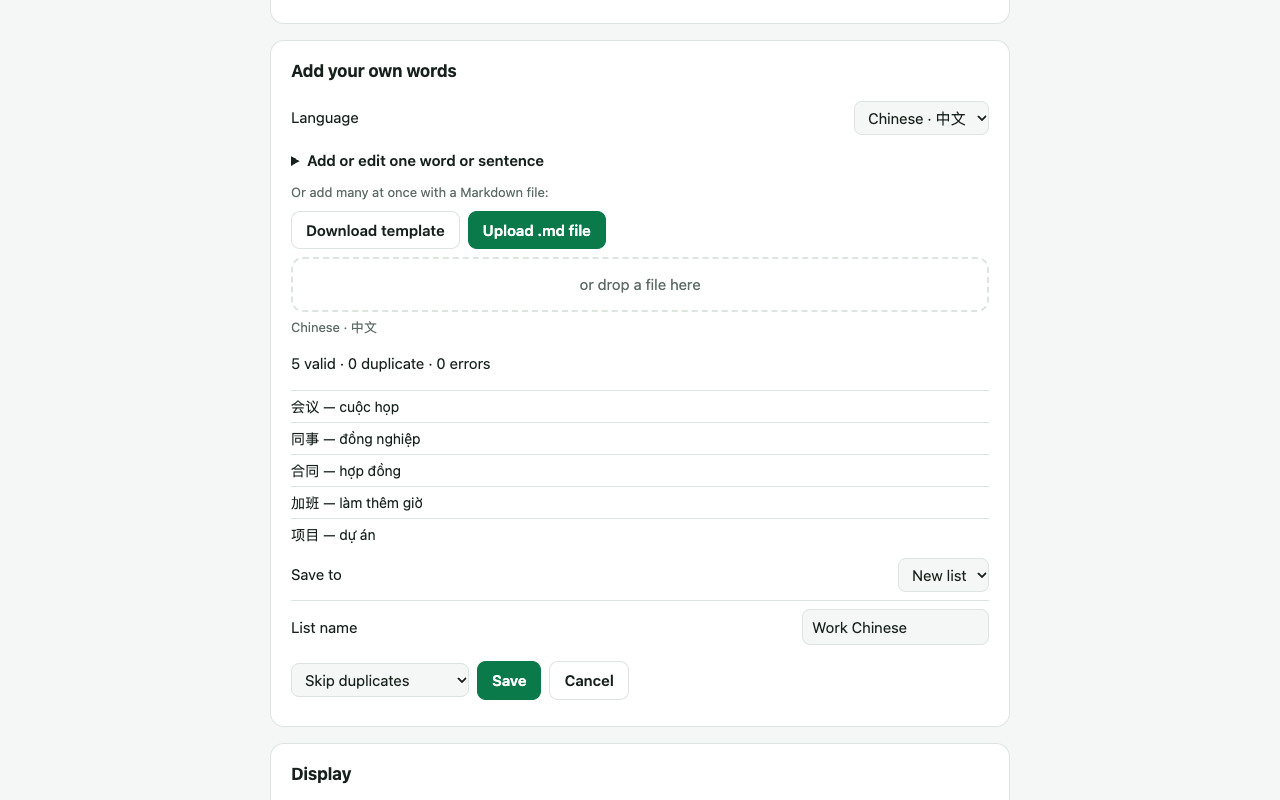
Add them one by one, or upload a Markdown file. The template includes an AI prompt.

Two ways to show it

A floating window on top of other apps, or a card inside Chrome on the page you view. Move and resize both.

Voices

Male or female, speed, volume, repeat.

Private

No sign-up, no tracking. Lists stay on your computer, or in your own Google Drive if you turn on sync.

Two ways to show it

A floating window on top of other apps, or a card inside Chrome on the page you view. Move and resize both.

Two ways to show it

Get started in a minute.

A few short steps.

  1. 1

    Install Word Reminder

    1. Open Word Reminder on the Chrome Web Store.
    2. Click Add to Chrome.
    3. In the dialog, click Add extension.
    Add “Word Reminder”?
    CancelAdd extension
  2. 2

    Pin it to the toolbar

    1. Click the puzzle-piece icon at the top-right of Chrome.
    2. Find Word Reminder and click the pin.
    example.com
    Extensions
    Word Reminder
  3. 3

    Choose the language you speak and the languages you learn

    Choose the language you speak and the languages you learn.
  4. 4

    Allow the card on all sites, or use it on one tab

  5. 5

    Click the toolbar icon to start or stop

    Click the toolbar icon to start or stop.
  6. 6

    Open Settings from the gear on the card to add your own words

    Open Settings from the gear on the card to add your own words.

Questions? Answers.

Which languages have built-in lists?

English, Vietnamese, Chinese, Japanese, Korean, French, German, Spanish and Russian. For others, add your own words. This is new in version 2.0; version 1.0 has English and Chinese only.

Where do the words come from?

CEFR-J, Wiktionary, CC-CEDICT and Tatoeba. Missing meanings can be translated by Chrome on your computer, and are marked with ≈.

Does it work offline?

Yes, with voices installed on your computer. Voices marked “online” need a connection.

Can it read while I use another app?

Yes. Chrome must stay open and the computer awake.